
What Is AI Integration? A Complete Guide for Business Leaders in 2026
AI integration is no longer a science project — it's the operating layer that decides which companies compound and which stall. This guide breaks down what it actually means, how it works, and how to start.
By HololTeck Editorial

Key takeaways
- 01AI integration is the practice of embedding AI capabilities directly into the tools, data, and workflows your business already uses.
- 02It differs from standalone AI in three critical ways: context, permissions, and continuity of action.
- 03The highest-ROI integrations usually replace repetitive knowledge work — not creative or strategic tasks.
- 04A pragmatic first project targets one workflow, one data source, and one measurable outcome.
- 05Governance, observability, and human oversight are prerequisites — not optional add-ons.
Defining AI integration in plain language
AI integration is the discipline of connecting artificial intelligence — most commonly large language models, but also computer vision, speech, and predictive systems — to the applications, databases, communication channels, and workflows a business already relies on. It is not the same as using a public chatbot in a browser tab. Integration means the AI can read from your CRM, write to your ticketing system, message a customer on WhatsApp, trigger an approval in your ERP, and hand a case to a human when it is out of its depth.
In practical terms, a well-integrated AI has three properties an off-the-shelf model does not. It has context: it knows your customers, your product catalog, your pricing tiers, your service policies. It has permissions: it can act on behalf of a specific user or role, and its actions are auditable. And it has continuity: it can carry the state of a conversation or a case across channels and across time, so a lead that starts on Instagram can be closed in a branch office three days later without the customer repeating themselves.
This is what separates a novelty from an operating layer. A novelty answers questions in isolation. An operating layer runs work.
Why integration is now a board-level topic
For most of the last two years, executives could get away with pilot projects — a chatbot on the marketing site, a copilot for one team, a proof of concept in the innovation lab. That window is closing. Competitors who moved from pilots to production are now compounding advantages that are difficult to catch: lower cost per transaction, faster response times, higher conversion rates, and better data on what customers actually want.
The reason the shift is happening now, and not two years ago, is that the connective tissue finally exists. Modern integration platforms, tool-use frameworks, retrieval-augmented generation, and enterprise-grade orchestration have matured to the point where a mid-sized company can put a production AI workflow into service in weeks rather than quarters. The bottleneck has moved from technology to organisational will.
Boards that treat AI as an IT expense are asking the wrong question. The right question is which of the company's core workflows should be re-designed around AI-native operations, and in what order.
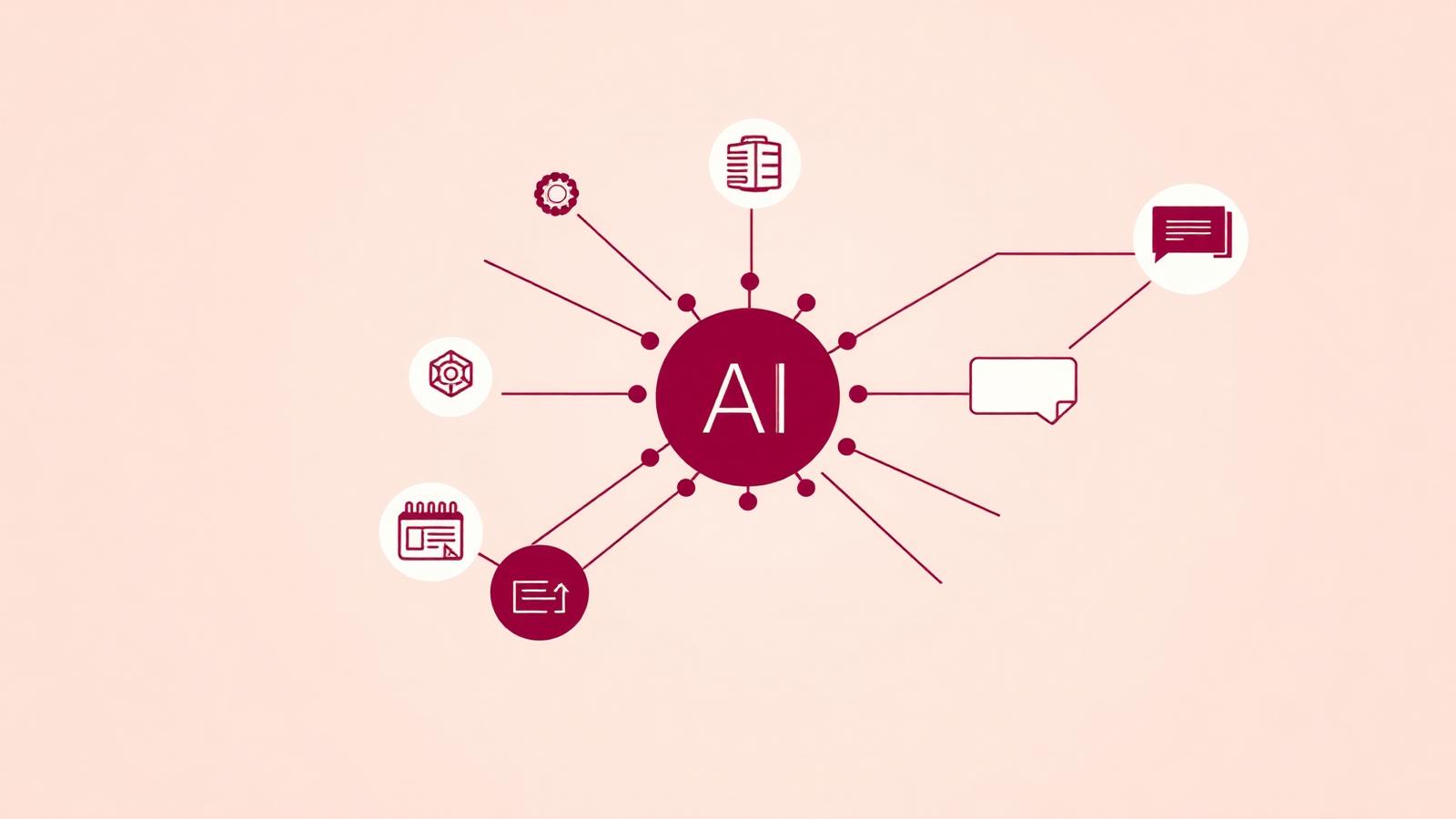
The four layers of an integrated AI system
It helps to think of AI integration as a stack of four layers, each of which needs deliberate design. The first layer is data — clean, permissioned, discoverable, and usually retrieved on demand rather than dumped into a model wholesale. Poor data hygiene is the single biggest reason AI projects underperform expectations.
The second layer is models. Most enterprises will use a portfolio of foundation models — a fast one for routing, a strong one for reasoning, a small one for on-device tasks, and specialised models for images, speech, or code. Vendor lock-in is a real risk; the integration layer should make it possible to swap models without rewriting workflows.
The third layer is tools and actions — the concrete things the AI is allowed to do. Read a booking. Send a WhatsApp message. Create a loyalty voucher. Route an approval. Each tool has a schema, a permission scope, and a human-readable log. This is where governance lives.
The fourth layer is the experience — the surface through which employees or customers actually interact with the AI. This might be a chat interface, a native app, a WhatsApp thread, a call center console, or a fully autonomous background agent. The surface is often what gets attention, but it is the least differentiating layer.
What actually gets integrated first
In our engagements the same patterns keep surfacing as the highest-return first projects. Customer service triage — where the AI reads incoming messages, classifies them, drafts a response, and escalates only the hard cases — routinely reduces response times by more than half while raising customer satisfaction scores.
Lead qualification is another common entry point. An integrated AI can respond to inbound leads within seconds, ask qualifying questions, book a meeting on a sales rep's calendar, and log everything in the CRM before a human has poured a coffee. The lift on speed-to-lead alone often pays for the project.
Approval workflows — expense claims, purchase orders, HR requests — are quietly one of the most rewarding places to start. The rules are usually well documented, the volumes are high, and the time cost of manual routing is invisible until it is gone. And appointment management, where AI handles scheduling, reminders, rescheduling, and no-show recovery over WhatsApp or SMS, tends to show measurable savings within a single billing cycle.

The governance conversation you cannot skip
The organisations that get AI integration right treat governance as a first-class part of the design, not a compliance afterthought. That means three things in practice. Every action the AI can take is enumerated, versioned, and reviewable. Every conversation with a customer is logged, retrievable, and covered by a clear retention policy. And every workflow has a defined failure mode — what happens when the model is uncertain, when a tool call fails, when a customer asks something outside scope.
Human-in-the-loop is not a weakness of AI systems; it is a design decision that determines where risk lives. A refund below a threshold can be automatic. A refund above it goes to a supervisor. A dispute involving a regulator goes to a named human with full context on the case. When these boundaries are explicit, teams trust the system more, not less.
Data residency, model provenance, and access control are increasingly non-negotiable in regulated industries. A serious integration partner will have answers on all three from the first conversation.
How to start without over-committing
A pragmatic first project has three properties. It targets a single workflow — not a department, and certainly not a strategy. It uses one authoritative data source, so debugging is tractable. And it has a single measurable outcome that leadership already cares about: time to first response, cost per ticket, conversion rate on inbound leads, days sales outstanding on approvals.
The project should be small enough to ship in weeks, not quarters, and instrumented from day one. Every decision the AI makes should produce data you can review. Every escalation should be labelled and fed back into the next iteration. The point of the first project is not to prove that AI works — that debate is settled — but to prove that your organisation can put an AI workflow into production and iterate on it responsibly.
Once the first workflow is live and stable, subsequent integrations get dramatically faster. The data pipelines exist. The permission model exists. The escalation UX exists. The second workflow ships in a fraction of the time of the first, and the third faster still. This is the compounding curve that separates AI-native operators from AI-curious ones.
What good looks like six months in
Six months into a serious integration program, the visible surface is often modest — a handful of workflows running quietly in the background, a few new dashboards, a slightly different rhythm in weekly ops reviews. The invisible surface is where the change lives. Response times have collapsed. A meaningful fraction of routine work no longer touches a human. The team spends its time on cases that actually require judgement.
Culture shifts too, in ways that are difficult to overstate. When repetitive work disappears, the conversation about roles gets more honest. When every customer conversation is searchable, product feedback loops tighten. When approvals no longer sit in inboxes, decisions get made on the day they should. These second-order effects are, in the end, what AI integration is really for.
References & further reading
Authoritative research and industry sources that informed this article.
- [1]The State of AI in Early 2024
McKinsey & Company
- [2]How Generative AI Is Changing Creative Work
Harvard Business Review
- [3]AI Index Report
Stanford HAI
- [4]
- [5]
Frequently asked
Is AI integration the same as building a chatbot?
No. A chatbot is one possible surface. Integration is the underlying practice of giving AI access to your systems, data, and actions with proper governance — the chatbot is optional.
Do we need our own AI model to integrate AI?
Almost never. Most successful integrations use a portfolio of hosted foundation models chosen per task, with your proprietary data supplied through retrieval rather than training.
How long does a first integration project take?
A well-scoped first workflow typically ships in four to eight weeks, including discovery, build, testing, and a controlled rollout to a subset of users or customers.
What is the biggest reason AI integration projects fail?
Over-scoping. Teams try to integrate AI across a whole department instead of one workflow, and the project collapses under the weight of unresolved data and permission questions.
Related articles in AI Integration
AI for Small Business: A Practical Playbook for Owners Who Do Not Have a CTO
You do not need a data science team or a seven-figure budget to put AI to work. This playbook is written for owners of businesses under 100 people who want real results this quarter.
11 min readAI IntegrationAI ROI Frameworks: How to Build a Business Case Your CFO Will Actually Sign
Enthusiasm is not a business case. This is the framework we use with finance teams to size, defend, and track return on AI integration investments.
13 min readAI IntegrationAI Adoption Strategy: The Sequence That Actually Works in Real Companies
There is a right order to adopt AI, and most companies get it wrong. The right sequence takes eighteen months. The wrong sequence takes four years and gets abandoned.
12 min read